
Equipment Recovery / Hitachi CDSEM
Resolve the Alarm. Return to Measurement.
An alignment, addressing or measurement alarm interrupts the task. ZeroDefects interprets the image evidence. Autopilot carries out the qualified recovery procedure, checks the result and brings the engineer in when needed.
The Operating Sequence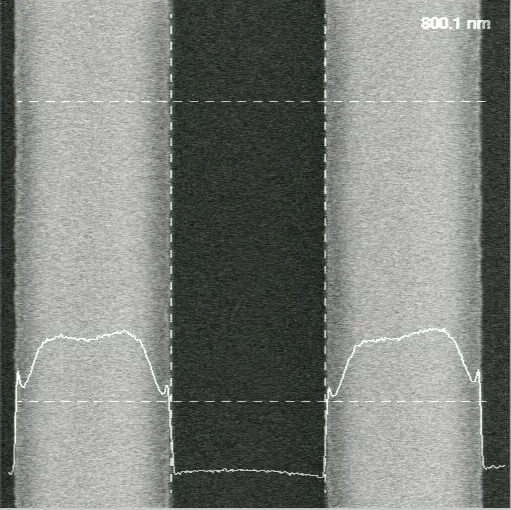
A CDSEM measures tiny features on a wafer. Reliable measurement depends on finding the right pattern, reaching the right site and placing the measurement correctly.
Small Features. Precise Decisions.
A measurement can stop because the tool cannot align the pattern, find the required site or complete the measurement correctly. Recovery requires more than acknowledging an alarm: the equipment needs the right corrective procedure for the condition it has encountered.
The recovery workflow connects the equipment screen to the operating procedure. It follows the applicable alignment, addressing or measurement path, then checks the outcome. Local manual operation remains available and takes priority.
The Operating Sequence
From Interruption to Measurement.
The response follows the alarm. Alignment, addressing and measurement each have their own recovery procedure; confirmation checks the outcome.
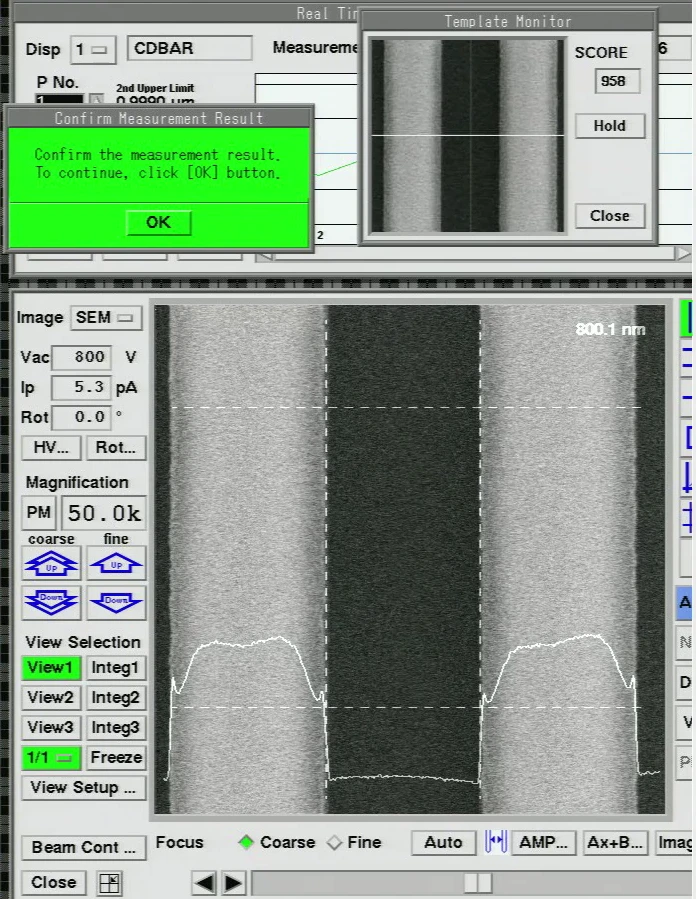
Recover the Alignment
When alignment fails, follow the qualified procedure to recover the pattern reference so the tool can continue from the correct position.
Find the Measurement Site
For an addressing interruption, follow the recovery sequence that locates the required feature and restores the intended measurement context.
Restore the Measurement
Apply the measurement recovery procedure through the equipment interface. Recipe re-teaching is a related workflow when the measurement setup needs to be revised.
Confirm the Outcome
Check the resulting image and equipment state against the qualified procedure. Continue when the recovery conditions are satisfied; return unresolved conditions to engineering.
Engineers Stay in Control.
Local manual operation retains priority. A condition outside the qualified recovery scope goes to an engineer; automation does not compete with an active manual intervention.
ZeroDefects provides the image interpretation used in the recovery decision.
Autopilot carries out the qualified equipment procedure, verifies the response and manages its exception paths. InnoConnect and equipment integration connect the workflow to the tool.
Explore the Builder Agents
Teach the Next Recovery.
The expertise is in recognizing the condition, choosing the response and knowing when to stop. Builder Agents help turn that knowledge into a workflow.
Demonstrate and Explain
Show the recovery on the equipment interface. Add the procedure, decision rules and conditions that need an engineer.
Build and Refine
Builder Agents prepare the workflow. Engineers use recorded evidence and simulation to refine the sequence and exception paths.
Qualify and Extend
Evaluate the workflow for the target tool and process. Adapt it for new tasks, and qualify each changed operating context.
Your Expertise. New Possibilities.