Equipment Connectivity / UENO SEKI Pick-and-Place
Make Existing Equipment Speak SECS/GEM.
Connect factory-host commands to equipment operations through InnoConnect. Operate the tool through its existing screen interface and return the status, alarms and process data available from its screens and logs.
The Operating Sequence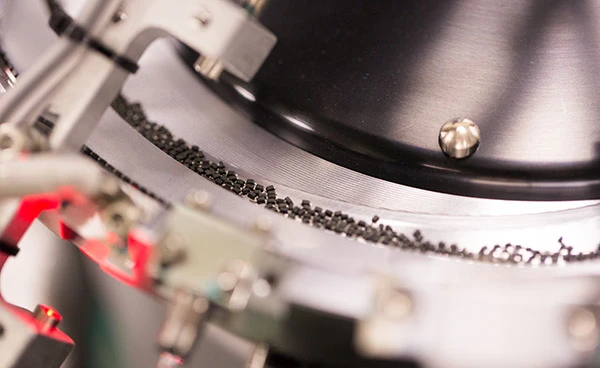
The Platforms behind the Work
Connect the Equipment You Already Have.
A factory host speaks in equipment commands. An existing machine may still expect an operator to work through its screen. InnoConnect bridges those two interfaces, allowing the host to trigger operations through the tool’s existing controls.
The approach is equipment-independent. UENO SEKI pick-and-place provides a concrete example: configure the required host commands, map them to the tool’s mouse, keyboard or touchscreen interactions, then define the information to return.
Connect the Interface. Preserve the Operating Rules.
Command handling follows the equipment’s qualified operating sequence and exception paths. Screen recognition and log access establish what can be returned; each integration defines its actual command and data coverage.
The Platforms behind the Work
InnoConnect is the equipment edge connection: it receives host commands, interfaces with the machine and returns the configured information.
Autopilot supplies the equipment workflows that carry out the task and handle its exceptions.
Bring the Expertise to the Next Task.
Autopilot Builder Agents help adapt an engineer’s demonstrated task into the workflow for another machine. The integration then maps host commands and returned data to that workflow. Engineers qualify the equipment-specific behavior before use.
Builder Agents provide the current platform capability for adapting models and workflows. Engineers evaluate each new task before deployment.
Your Expertise. New Possibilities.